Linux Networking Cheat Sheet: Commands Every Developer Should Know
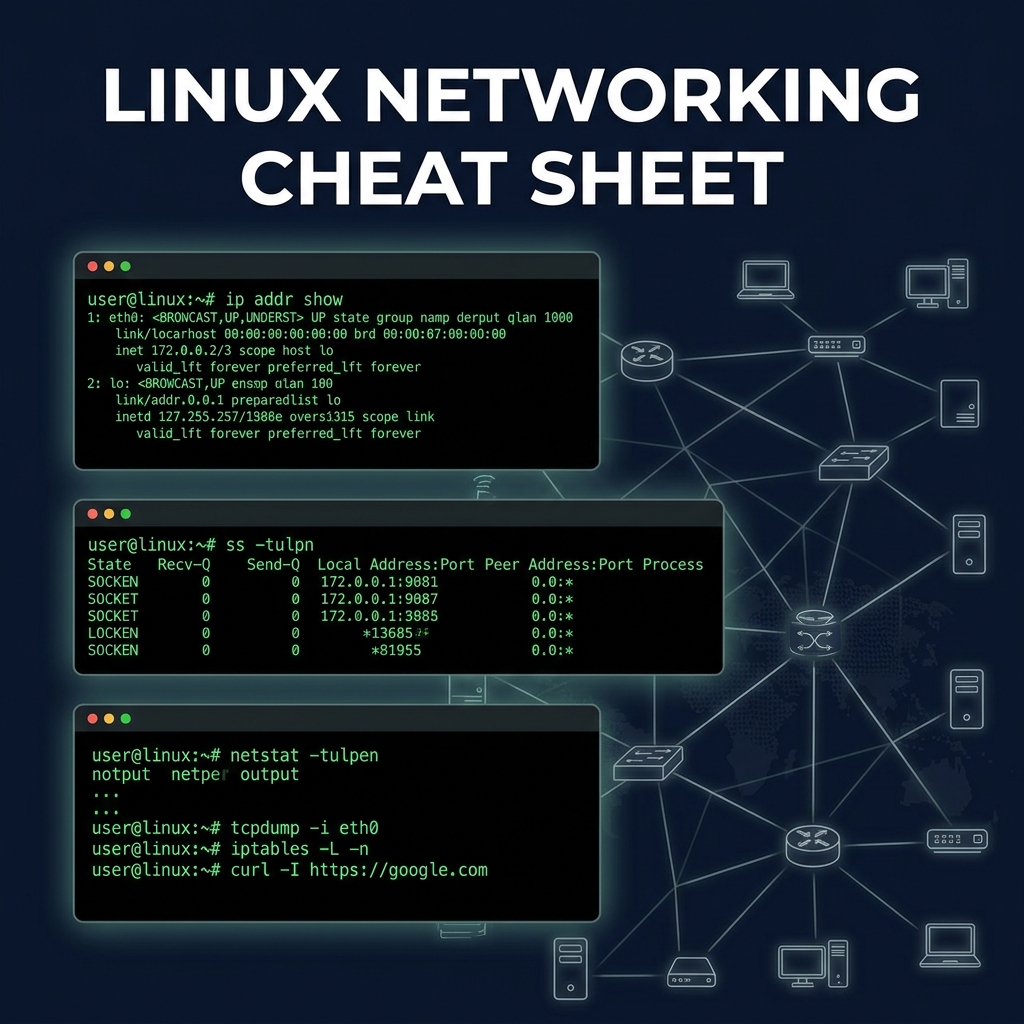
The DevOps & Backend Networking Toolkit
When things break in production, knowing how to debug the network is a superpower. Here are the essential Linux networking commands.
Checking Interfaces and IP Addresses
Forget ifconfig, the modern way is the ip command.
ip addr show       # List all interfaces and IPs
ip link show       # Show link status (up/down)
ip route show      # View the routing table
Finding Open Ports and Listening Services
Use ss (socket statistics) instead of netstat.
ss -tulpn          # Show listening TCP/UDP ports and the process using them
                   # (Requires root/sudo to see process names)
Testing Connectivity and DNS
ping 8.8.8.8       # Test ICMP connectivity
traceroute google.com # Show the path packets take to a host
dig example.com    # Perform a DNS lookup
nc -vz host 80     # Use Netcat to check if a specific port is open
Packet Sniffing
When you need to see exactly what is going over the wire.
tcpdump -i eth0    # Capture all traffic on eth0
tcpdump port 80    # Capture HTTP traffic only
tcpdump src 1.2.3.4 # Capture traffic from a specific IP
Firewall Rules (iptables / ufw)
sudo iptables -L -v -n  # List all current firewall rules
sudo ufw status verbose # If using Uncomplicated Firewall (Ubuntu)
Software