DevtronTech Blog

Insights into Software, Electronics, and GeoSpatial Engineering

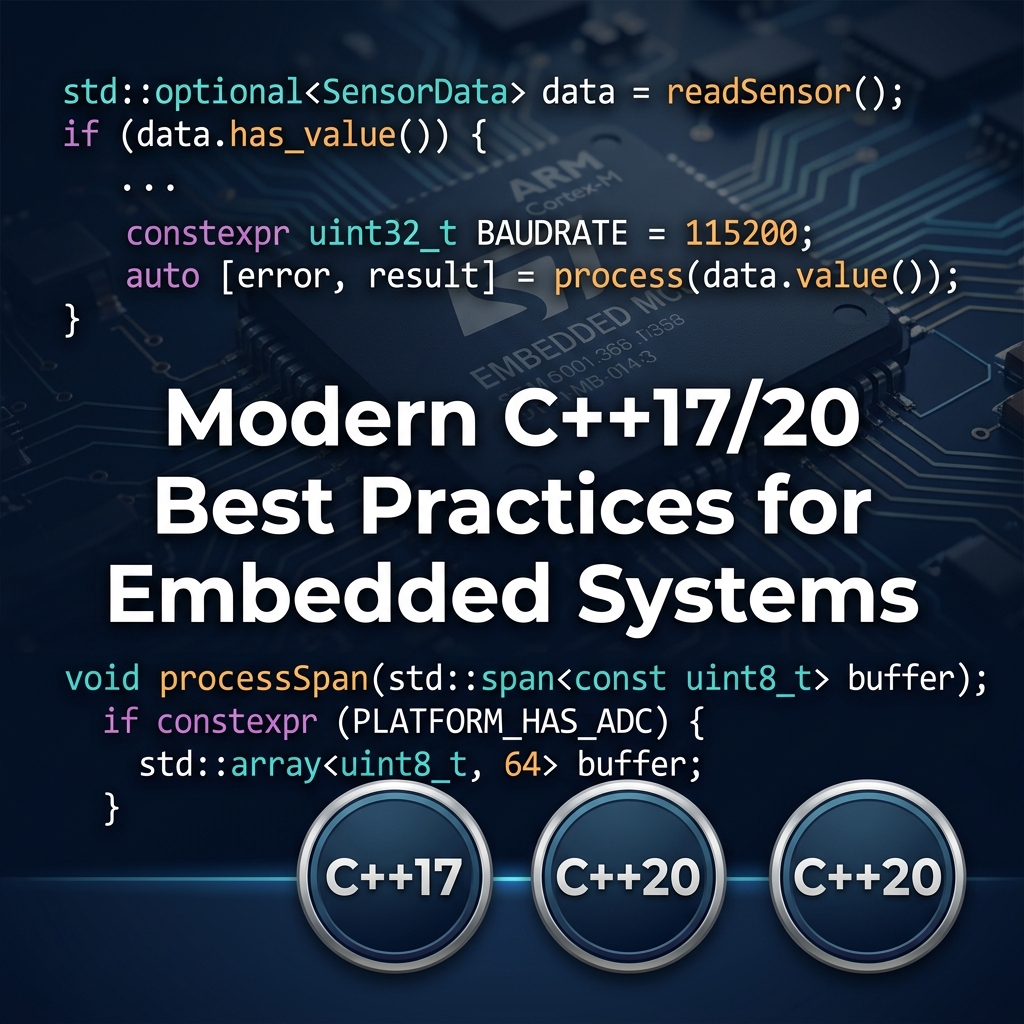
Modern C++ (C++17/20) Best Practices for Embedded Systems Software

Modern C++ (C++17/20) Best Practices for Embedded Systems

Bringing Embedded Systems into the 21st Century

Embedded systems have traditionally been written in pure C. However, modern C++ (specifically C++17 and C++20) offers incredible features that improve type safety, readability, and abstraction without sacrificing runtime performance. In fact, many modern C++ features resolve entirely at compile time (Zero-Cost Abstractions).

1. constexpr for Compile-Time Evaluation

Why calculate a lookup table at runtime when the compiler can do it for you? constexpr guarantees that expressions are evaluated at compile time, saving precious MCU cycles.

constexpr float pi = 3.1415926f;

// Evaluated entirely at compile time
constexpr int degrees_to_adc(float deg) {
    return static_cast((deg / 360.0f) * 4096);
}

2. std::array and std::span

Stop using raw C-arrays that decay to pointers and lose their size information. std::array provides the same performance as a raw array but with boundary checks and STL iterator support.

std::span (C++20) provides a safe, non-owning view over a contiguous block of memory, perfect for passing buffers to DMA functions without pointer-arithmetic bugs.

3. Auto and Structured Bindings (C++17)

Make your code cleaner when returning multiple values from sensor reading functions.

struct SensorData { float temp; float humidity; };

SensorData read_bme280() { return {24.5f, 50.2f}; }

// C++17 Structured Binding
auto [temperature, humidity] = read_bme280();

4. Don't Fear Templates, but Fear RTTI and Exceptions

Templates are resolved at compile time and cost nothing at runtime (though they can increase code size). However, you should generally disable Exceptions (-fno-exceptions) and Run-Time Type Information (-fno-rtti) in embedded environments, as they introduce unpredictable overhead and bloat the binary.

Read More
Getting Started with Dear ImGui for C++ Desktop Apps Software

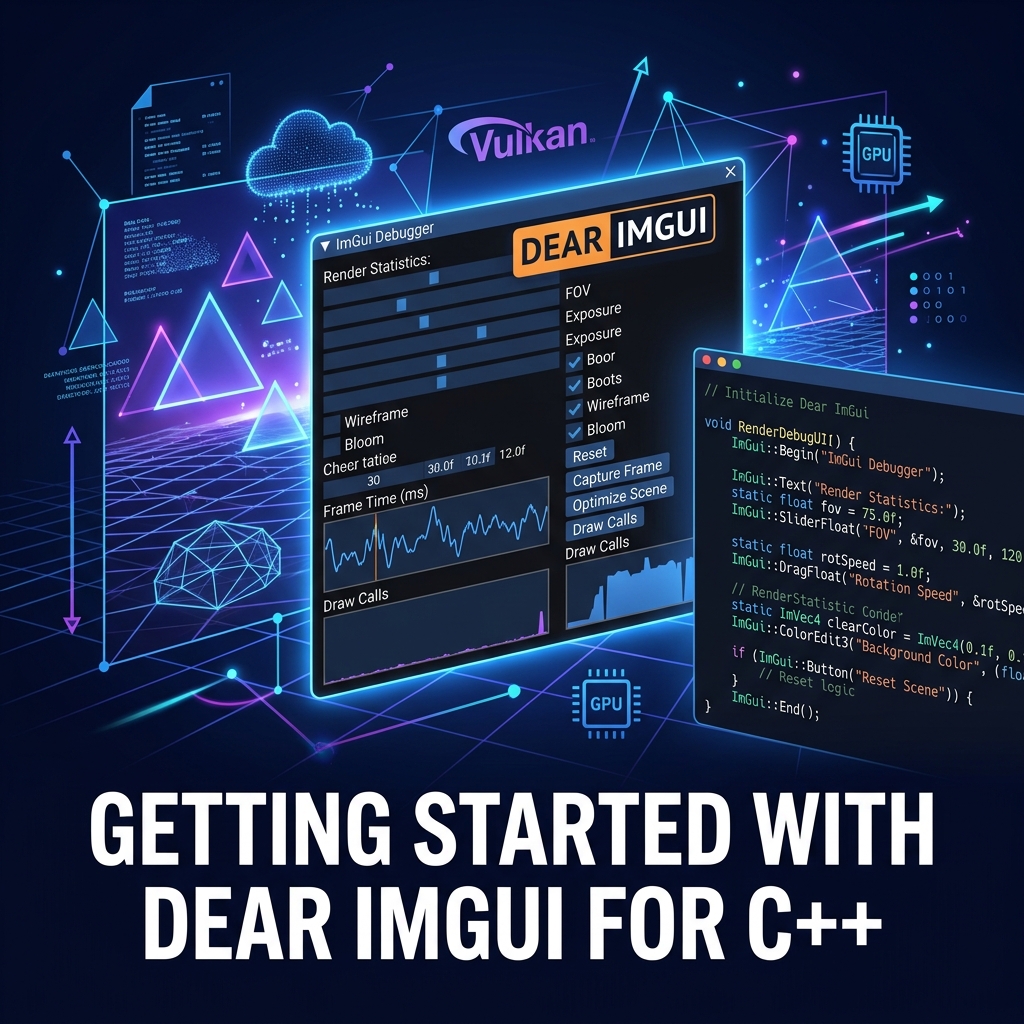
Getting Started with Dear ImGui for C++ Desktop Apps

Immediate Mode GUIs for Tools

If you are building game engines, internal developer tools, or hardware debuggers in C++, traditional retained-mode GUI frameworks (like Qt or wxWidgets) can feel incredibly heavy and complex to integrate. Enter Dear ImGui.

What is Immediate Mode GUI?

In a retained-mode GUI, you create an object (like a Button), add it to a hierarchy, and rely on an event loop to call your callbacks. State is stored in the UI tree.

In an immediate-mode GUI, there is no UI state stored. You simply call the UI drawing commands every single frame inside your main game loop. If you want a button, you call an if (ImGui::Button("Click Me")) statement.

Why Dear ImGui?

  • Zero integration friction: It is renderer-agnostic. It just outputs vertex buffers. You can hook it up to OpenGL, DirectX, Vulkan, or Metal easily.
  • State management is trivial: Since the UI is redrawn every frame based on your app's variables, you never have data synchronization bugs.
  • Fast to write: Creating complex debug panels takes minutes, not hours.

A Quick Example

// Inside your main loop, every frame:
ImGui_ImplOpenGL3_NewFrame();
ImGui_ImplGlfw_NewFrame();
ImGui::NewFrame();

// Build the UI
ImGui::Begin("Debug Panel"); 
static float f = 0.0f;
ImGui::SliderFloat("Speed", &f, 0.0f, 1.0f);
if (ImGui::Button("Reset")) {
    f = 0.0f;
}
ImGui::End();

// Render
ImGui::Render();
ImGui_ImplOpenGL3_RenderDrawData(ImGui::GetDrawData());
Read More
Building a High-Performance Node.js C++ Addon with node-addon-api Software

Building a High-Performance Node.js C++ Addon with node-addon-api

Breaking the V8 Speed Limit

Node.js is fantastic for I/O bound tasks, but its single-threaded JavaScript execution can struggle with heavy CPU-bound workloads like image processing, encryption, or complex mathematical simulations. The solution? Write the heavy lifting in C++ and expose it to Node.js as a native addon.

What is N-API?

Historically, C++ addons were tied directly to the V8 engine's API, meaning they broke every time Node.js updated V8. N-API (Node-API) provides an ABI-stable layer, ensuring your compiled binary works across Node.js versions without recompilation.

node-addon-api is the modern, header-only C++ wrapper around N-API that makes writing addons significantly easier by utilizing C++ object models.

Creating Your First Addon

1. Initialize and install dependencies:

npm init -y
npm install node-addon-api
npm install -g node-gyp

2. Create a binding.gyp file to configure the build.

3. Write the C++ code (main.cpp):

#include <napi.h>

// The C++ function
Napi::String HelloMethod(const Napi::CallbackInfo& info) {
    Napi::Env env = info.Env();
    return Napi::String::New(env, "Hello from C++!");
}

// Module initialization
Napi::Object Init(Napi::Env env, Napi::Object exports) {
    exports.Set(Napi::String::New(env, "hello"),
                Napi::Function::New(env, HelloMethod));
    return exports;
}

NODE_API_MODULE(hello_addon, Init)

4. Build it using node-gyp configure build and require it in Node.js!

Read More
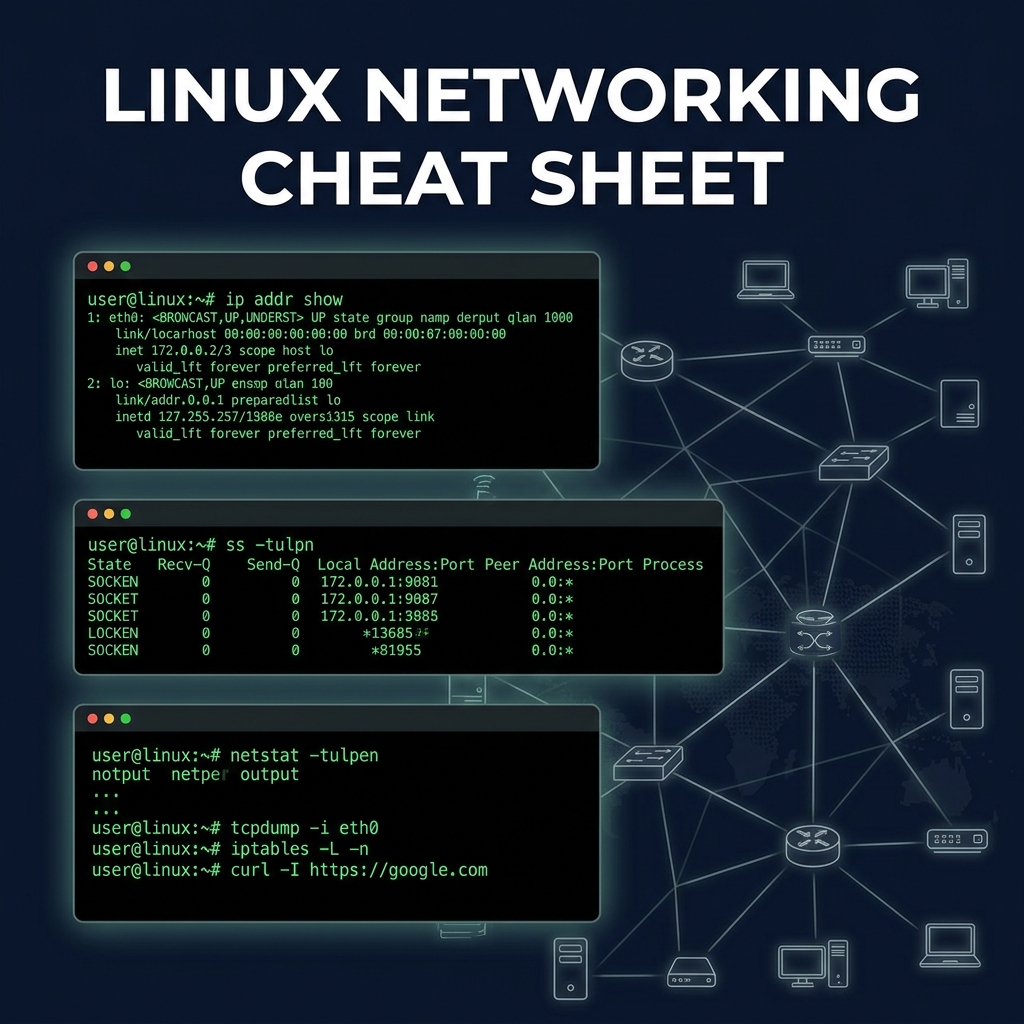
Linux Networking Cheat Sheet: Commands Every Developer Should Know Software

Linux Networking Cheat Sheet: Commands Every Developer Should Know

The DevOps & Backend Networking Toolkit

When things break in production, knowing how to debug the network is a superpower. Here are the essential Linux networking commands.

Checking Interfaces and IP Addresses

Forget ifconfig, the modern way is the ip command.

ip addr show       # List all interfaces and IPs
ip link show       # Show link status (up/down)
ip route show      # View the routing table

Finding Open Ports and Listening Services

Use ss (socket statistics) instead of netstat.

ss -tulpn          # Show listening TCP/UDP ports and the process using them
                   # (Requires root/sudo to see process names)

Testing Connectivity and DNS

ping 8.8.8.8       # Test ICMP connectivity
traceroute google.com # Show the path packets take to a host
dig example.com    # Perform a DNS lookup
nc -vz host 80     # Use Netcat to check if a specific port is open

Packet Sniffing

When you need to see exactly what is going over the wire.

tcpdump -i eth0    # Capture all traffic on eth0
tcpdump port 80    # Capture HTTP traffic only
tcpdump src 1.2.3.4 # Capture traffic from a specific IP

Firewall Rules (iptables / ufw)

sudo iptables -L -v -n  # List all current firewall rules
sudo ufw status verbose # If using Uncomplicated Firewall (Ubuntu)
Read More
Advanced C Programming Cheat Sheet Software

Advanced C Programming Cheat Sheet

Mastering C for Systems Programming

While C is a small language, mastering its nuances is essential for writing robust system-level code, OS kernels, and embedded firmware.

1. Pointers to Functions

Function pointers allow you to pass functions as arguments, enabling callbacks and state machines.

// Define a function pointer type
typedef int (*math_func)(int, int);

int add(int a, int b) { return a + b; }
int mul(int a, int b) { return a * b; }

int main() {
    math_func op = add;
    printf("Result: %d\n", op(5, 3)); // Prints 8
}

2. Struct Packing and Alignment

By default, compilers pad structs to align members to memory boundaries for performance. In embedded systems or networking, you often need to disable this.

// Use #pragma pack or __attribute__((packed))
struct __attribute__((packed)) NetworkHeader {
    uint8_t version;
    uint16_t length;
};

3. Bit Manipulation

Setting, clearing, and toggling bits is the bread and butter of embedded C.

#define BIT(x) (1 << (x))
uint32_t reg = 0;
reg |= BIT(3);  // Set bit 3
reg &= ~BIT(3); // Clear bit 3
reg ^= BIT(3);  // Toggle bit 3

4. The 'volatile' Keyword

Tells the compiler that a variable's value can change at any time without any action being taken by the code nearby (e.g., hardware registers or variables modified inside an ISR). It prevents the compiler from optimizing away reads/writes.

Read More
Advanced SQL Cheat Sheet Software

Advanced SQL Cheat Sheet

1. Common Table Expressions (CTEs)

CTEs allow you to create temporary result sets that can be referenced within a SELECT, INSERT, UPDATE, or DELETE statement.

WITH RegionalSales AS (
    SELECT Region, SUM(Sales) AS TotalSales
    FROM Orders
    GROUP BY Region
)
SELECT * FROM RegionalSales WHERE TotalSales > 100000;

2. Window Functions

Perform calculations across a set of table rows that are somehow related to the current row.

SELECT EmployeeName, Department, Salary,
       RANK() OVER(PARTITION BY Department ORDER BY Salary DESC) as DeptRank
FROM Employees;

3. Advanced Joins (Self Join & Cross Join)

-- Self Join Example (Finding employees and their managers)
SELECT e1.Name AS Employee, e2.Name AS Manager
FROM Employees e1
LEFT JOIN Employees e2 ON e1.ManagerID = e2.ID;

-- Cross Join Example (All possible combinations)
SELECT Colors.ColorName, Sizes.SizeName
FROM Colors CROSS JOIN Sizes;

4. JSON Data Extraction

Modern SQL databases support extracting values from JSON columns.

SELECT id, data->>'$.customer.name' AS CustomerName
FROM Orders
WHERE JSON_EXTRACT(data, '$.status') = 'shipped';

5. Indexing Best Practices

  • Composite Indexes: Order columns by cardinality (most unique first).
  • Covering Indexes: Include all columns retrieved by the query to avoid table lookups.
  • Avoid SELECT *: Only fetch columns you need to utilize indexes effectively.
Read More